
01
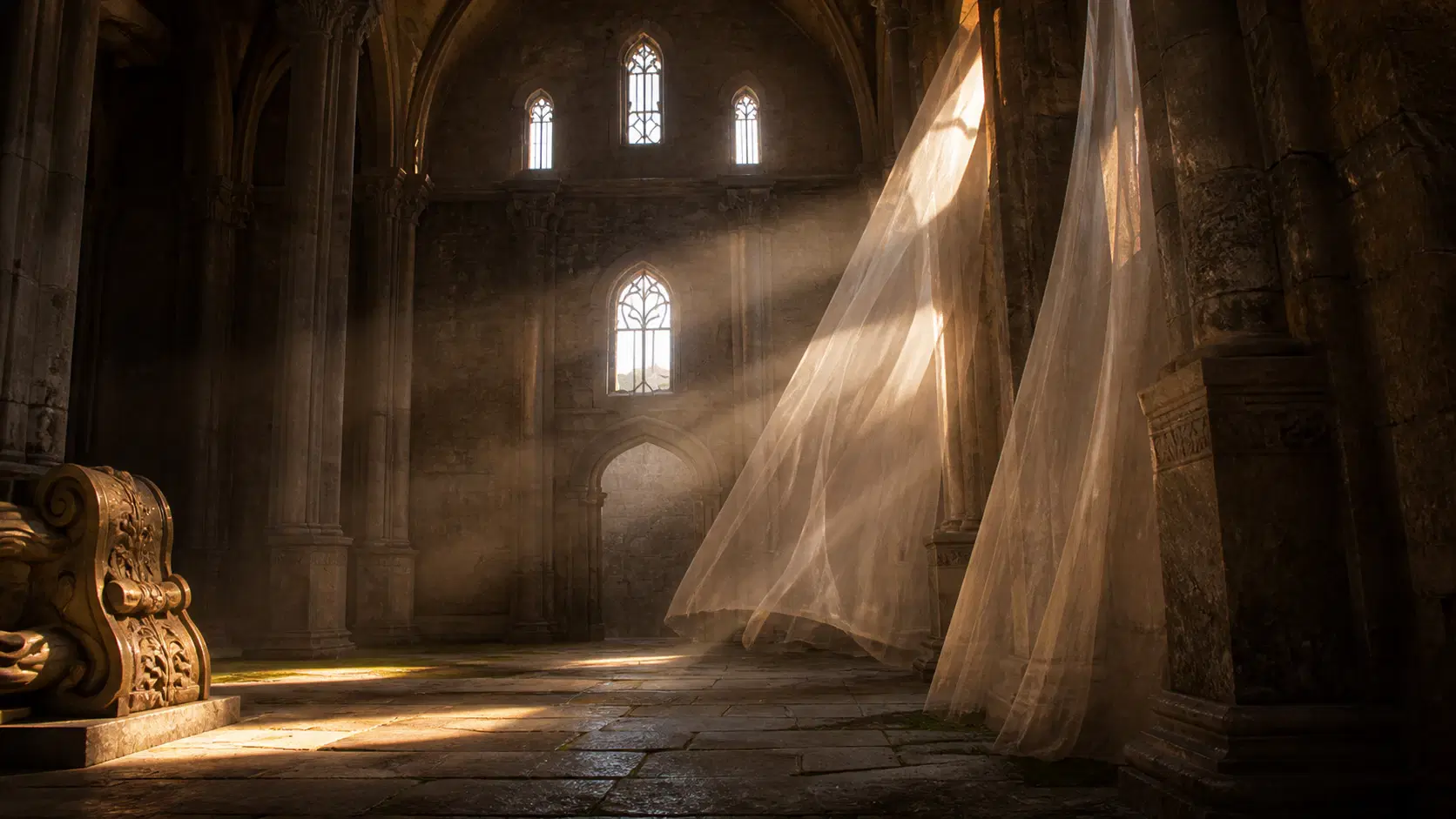
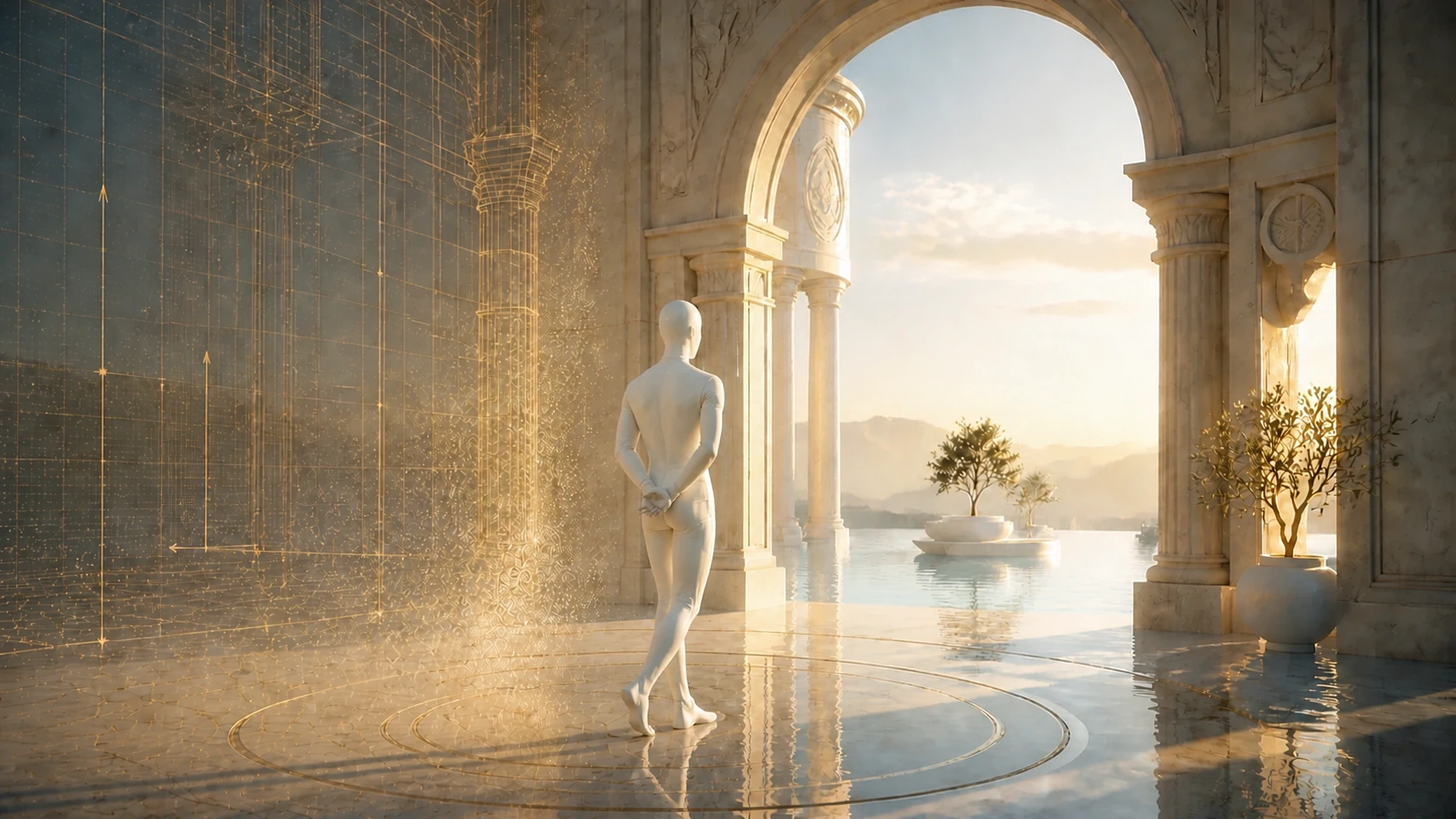
An editor-to-first-person transition.
Drop out of the editor and straight into the scene. The same capture, now something you move through rather than look at.

Art-direct capture
Walk it. Activate it.
Bring people inside
Publish anywhere.
Treat the real world like a creative canvas. Stack effects, reshape the atmosphere and animate the entire visual language of a scene over time.


From captured space to
We don't ask you to describe what you want and hope for the best. You are in the room while it takes shape.
Watch the build move in real time. No status reports standing in for the work itself.
Say it once, in the room, and see it land. Direction goes straight into the work.
The people who built it stay with it, so context is never lost between hands.
We don't ask you to describe what you want and hope for the best. You are in the room while it takes shape.
Watch the build move in real time. No status reports standing in for the work itself.
Build once, publish once. Moshpit prepares the scene for the device that opens it.
Build once and publish once. Moshpit prepares the experience for the device opening it; from a mobile phone to a high-performance workstation.







Everything you need to publish and embed a few interactive scenes.
Free
No card required
Standout Features:
Production embed features with Pro-sized included capacity and fixed limits.
$29/mo
Billed monthly
Standout Features:
Full white-label embeds, editor access, REST API, and pay-as-you-go scaling for production teams.
$99/mo
Billed monthly
Standout Features:

Branding // Animation

Motion // Animation

Marketing // Strategy

Motion // Animation
Questions about creating Scenes, publishing them, choosing a plan, and keeping control of your work.
Turn a 3D capture into an interactive Scene people can explore in a browser. Adjust the look, animate the camera and effects, add movement and interactions, then publish it as a link or embed.
No. The editor runs in your browser and gives you controls for effects, animation, collision, annotations, lighting, weather, and sound. You can create and publish a Scene without writing code.
Yes. Studio accepts common Gaussian Scene files, including .ply, .ksplat, and .sog. Upload a compatible capture and continue working in the browser.
Yes. Add collision for natural movement, guide visitors with waypoints and points of interest, and make parts of the Scene respond with light, weather, sound, or other actions.
Editor Embeds let your customers upload, edit, save, and publish Scenes without leaving your product. Viewer Embeds, Editor Embeds, and REST API access are included on Free, Pro, and Enterprise, within each plan's usage limits.
Scenes run on desktop and mobile, including iPhone and Android. Visitors open the Scene in a browser, so they do not need a game engine or a separate app.
Yes. Keep a Scene private while you work, publish it publicly when you want it discovered, or use an unlisted link when you only want to share it directly. Anyone with an unlisted link can open it, so private is the right choice for restricted work.
Yes. You keep the rights you hold in your Scenes and uploaded files. Moshpit only gets the permissions needed to store, process, display, and deliver the work according to your settings.
Read the TermsFree works for learning the editor and publishing a few Scenes. Pro raises Scene and storage limits, removes the Viewer Embed watermark, and adds full analytics and priority support. Enterprise adds higher included limits, unlimited integrations, and pay-as-you-go scaling. All plans include Viewer Embeds, Editor Embeds, and REST API access.
Compare plansDowngrades and cancellations take effect at the end of your paid period. Scenes that fit the new plan stay available. Extra Scenes move to archive and stop appearing in your Library or embeds. Studio shows the impact before you confirm the change.